
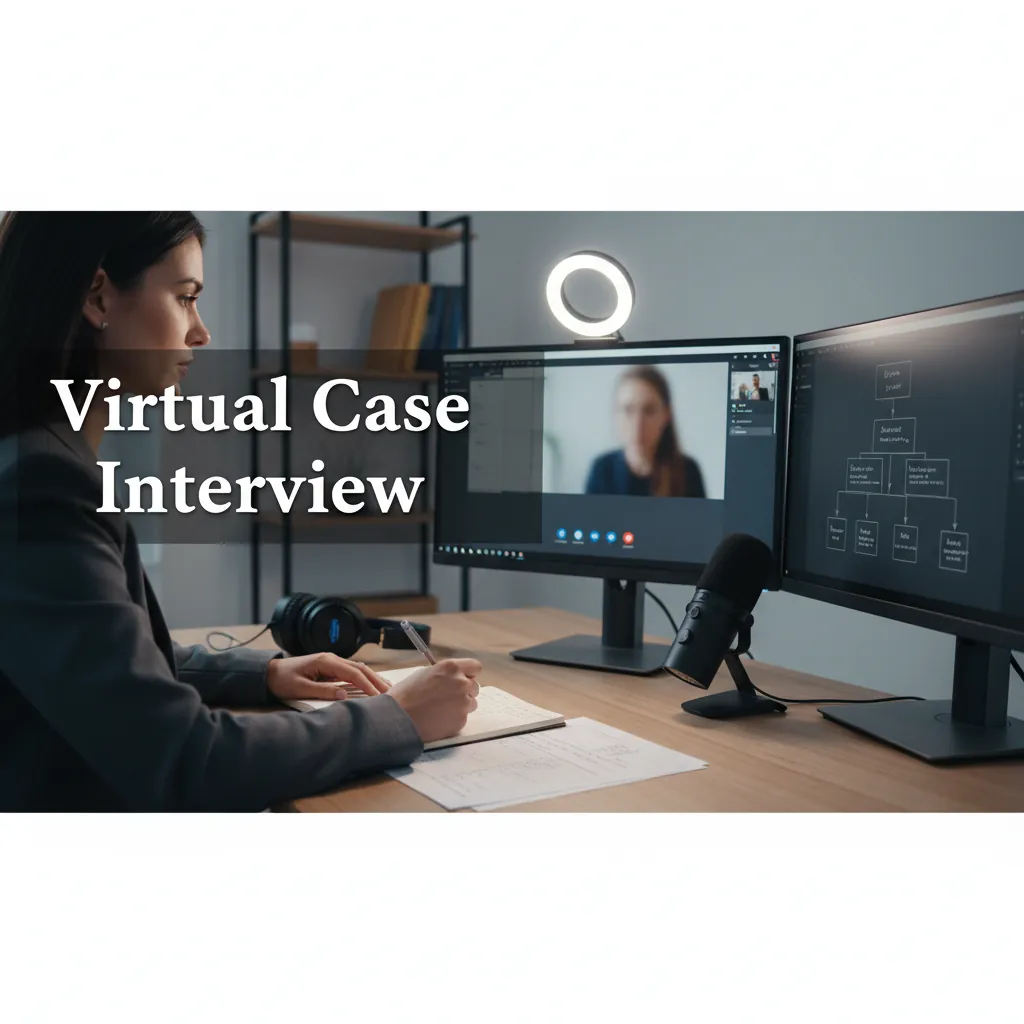
Digital Interviewing Guide for Consulting
How to handle consulting interviews over video, phone, recorded prompts, and online case formats without losing clarity or structure.
Digital consulting interviews test the same core skills as in-person ones: structured thinking, business judgment, and calm communication. The difference is that setup, pacing, and backup planning are now part of the evaluation. If your screen share breaks, your audio crackles, or your answers ramble, the interviewer feels that friction immediately. Treat this as a delivery layer on top of your case interview prep guide, not as a separate interview type.
TL;DR: what do you need to know?
- Digital interviews test the same consulting skills, but video setup changes first impressions.
- Use a 3-part answer rhythm: state the step, give the answer, then explain the logic.
- Check camera, audio, internet, notes, and backup equipment before the interview starts.
- Phone and recorded interviews reward concise openings because body language carries less signal.
- Practice on screen so pacing, eye line, transitions, and exhibits feel natural.
What Changes in a Digital Interview?
The core case logic does not change. Interviewers still want structure, math, hypothesis, synthesis, and judgment. What changes is the friction between your thinking and the interviewer's ability to follow it. On a screen, silence feels longer, weak audio makes confidence harder to read, and sloppy transitions are easier to notice.
Why Setup Matters
If your camera is too low, your notes are off to the side, or your room is noisy, the interviewer spends attention on the environment instead of the answer. Keep your background plain, your face well lit, and your materials within reach.
Why Signposting Matters
Virtual communication needs more verbal markers than in-person conversation. Say things like "I will start with three buckets" or "My answer is yes, and here is why." Those cues help the interviewer stay oriented when visual cues are weaker.
Why Recovery Matters
Tech issues are not the main risk. The main risk is how you react to them. A short interruption handled calmly is usually fine. What hurts is over-explaining, apologizing repeatedly, or losing your train of thought.
How Do You Prepare Your Video Setup?
Your setup should be boring in the best way. Use a stable connection, test your camera and microphone, and join early enough to fix issues before the interviewer arrives. Keep your laptop plugged in, close distracting tabs, and keep notes minimal so you do not sound scripted. The same setup rules apply to virtual and remote case interviews.
Camera Framing
Frame yourself from roughly the chest up, with your eyes near the top third of the screen. That keeps your expression visible and avoids the "looking down at a laptop" effect.
Audio Clarity
Weak audio is one of the fastest ways to make a polished answer feel sloppy. Use a headset or external mic if you have one, and test it in the same app the interview will use.
Environment Control
Choose a quiet room and remove visual noise behind you. If you are interviewing from a shared space, tell people in advance.
How Should You Answer in Video Cases?
Answer in shorter units than you would use in person. Start with the conclusion, then give the logic in two or three branches, then stop. The screen adds enough latency on its own.
Lead With the Point
Instead of building up to the answer, open with the answer. "I would enter the market" or "The margin issue is likely on the cost side."
Chunk the Logic
Use small labeled pieces. A simple sequence like "first, second, third" is enough. You can practice this style in case interview communication tips.
Pause on Purpose
Short pauses are better than filler words. When you need to calculate or reframe, say so once, then think. Pauses read as control.
What About Phone Interviews?
Phone interviews remove even more visual context, so your voice does almost all the work. Candidates often talk too fast, under-enunciate, or forget to summarize because they assume the listener can infer more than they can.
Use Voice as a Tool
Vary your pace slightly to mark transitions. Keep your tone steady and confident.
Say the Structure Out Loud
Do not wait for the interviewer to ask for your framework in a phone case. Offer it. "I would look at this in three parts: market demand, unit economics, and execution risk."
Summarize More Often
In phone interviews, small summaries help the interviewer stay oriented. After a long explanation, end with a sentence that closes the loop.
How Do Recorded and Async Interviews Work?
Recorded interviews compress the stakes into a short response window. You usually get one prompt, a limited preparation period, and one take or a small number of takes. If the process includes a digital assessment before live rounds, use the McKinsey Solve guide as a model for practicing screen-based decision making.
Build a Repeatable Opening
Open with one sentence that answers the prompt directly. Then preview two or three supporting points.
Keep the Ending Direct
Do not let the response drift into a vague wrap-up. End with a recommendation or a clear judgment.
Rehearse to the Camera
Practice in the same format you will use on the day. A normal mirror or notes page is not enough.
What Mistakes Show Up Most Often?
The common mistakes are not mysterious. Candidates either over-focus on the technology or under-adjust their communication. The interviewer is not grading you on aesthetics.
Over-Explaining Tech Problems
If something breaks, mention it once and move on. Do not spend a minute narrating your router, microphone, or browser.
Speaking as If the Interviewer Can See Everything
On screen, you need to be more verbal about transitions. If you move from diagnosis to recommendation, say it. If you switch assumptions, say it.
Under-Practicing the Medium
Candidates often do cases on paper but never practice on camera. That creates a gap between knowledge and delivery.
How Should You Build a Prep Routine?
Set up one practice block for content and one for delivery. The content block should cover case structure, math, and synthesis. The delivery block should focus on speaking in short, clear segments, answering under time pressure, and recovering when you lose your line.
Use Mixed Reps
Combine live case practice, phone-style summaries, and recorded one-minute answers. That mix reflects the formats candidates actually see. You can also use consulting interview process as a map for when each format tends to show up.
Build a Recovery Habit
Every practice session should include at least one moment where you intentionally restart a sentence or correct a calculation. Learning to recover cleanly is part of the job.
Review the Last 30 Seconds
Most candidates remember the middle of their answer and forget the ending. Review how you closed each response. Did you state the recommendation, mention the key reason, and stop?
Frequently Asked Questions
Do consulting firms treat virtual interviews differently from in-person interviews?
The evaluation criteria are basically the same, but the remote format makes clarity, pacing, and tech setup more visible.
Should I use notes during a digital interview?
Yes, but lightly. Notes should support your structure, not replace it.
Is a phone interview harder than a video interview?
It depends on your strengths. Phone removes body language, so voice and structure matter more.
What is the best way to practice recorded answers?
Use a timer, speak to camera, and limit yourself to one clean opening plus two supporting points.
What should I do if the interview app freezes?
Stay calm, say the issue briefly, and switch to the backup channel you prepared in advance.
Sources and Further Reading (checked 2026-05-01)
- UT Austin on phone and virtual interviews: https://careerservices.cns.utexas.edu/resources/interviews/phone-and-virtual-interviews
- McKinsey interviewing overview: https://www.mckinsey.com/careers/interviewing
- McKinsey virtual interviews candidate guide PDF: https://www.mckinsey.com/~/media/McKinsey/Careers%20REDESIGN/Interviewing/Main/McKinsey%20Virtual%20Interviews_Candidate%20Guide.pdf
- BCG interview process: https://careers.bcg.com/global/en/interview-process
- Road to Offer case interview communication tips: /blog/case-interview-communication-tips
- Road to Offer virtual and remote case interview guide: /blog/case-interview-virtual-remote
- Road to Offer consulting interview process overview: /blog/consulting-interview-process
FAQ
Frequently asked questions
Keep reading
Related articles
Case Interview Synthesis: 60-Second Recommendation Template + Examples
Deliver a 60-second case interview synthesis that closes strong — the template MBB candidates use, with three worked examples.
MECE Framework: Definition, Examples & How to Apply It (2026)
MECE = Mutually Exclusive, Collectively Exhaustive. Apply the 2-question test, see 3 worked examples, and avoid the gaps that fail 35% of MBB cases.
Case Interview Checklist and Rubric Prep
A practical checklist for mock cases, before and after each rep, so you can turn a vague practice session into specific rubric-based feedback and targeted drills.